Warehouse — local models, V-Ray materials, and assets
What it does
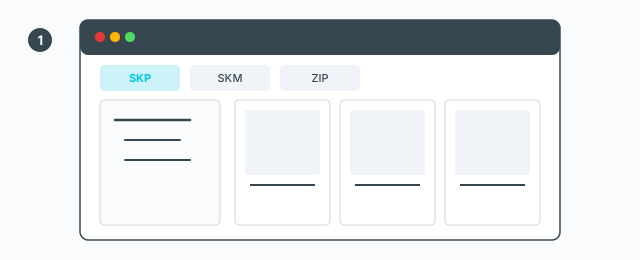
Warehouse opens GG Cabinet Tools — Warehouse. The tooltip is: browse local SketchUp models. The dialog has three tabs: Models, V-Ray materials, Assets. Each tab reads a folder on this computer. Delete asks «Remove … from this computer?» and deletes only the local file or folder.
Models
This tab is open at the start. A folder tree is on the left and a grid of .skp files is on the right (thumbnail, name, size). Type in the search box and press Enter, or click Search. Clearing the box searches again. Refresh index re-reads the folder. Change models folder opens a folder picker and remembers the choice.
Click a row to insert that .skp into the open model. The trash icon deletes the file on this computer, after a confirm.
While the list loads, the line reads Loading. With no files it reads «No models found.»
V-Ray materials
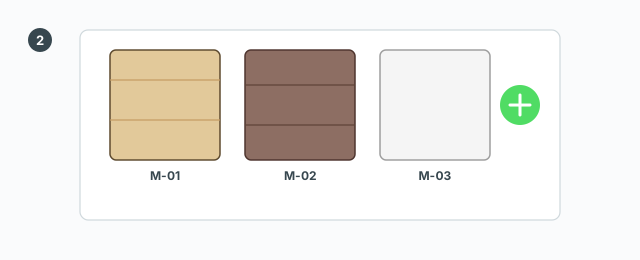
The library is read the first time you open the tab. Each material is a folder that contains material.vrmat, not a .skm file. Search, Refresh library, Change materials folder.
Click a row to apply the material to the current selection. A notice reads «Material applied.» The folder icon opens the material folder. Delete removes the whole folder on this computer. The badge lists the map kinds, or «diffuse only».
Create material from a map opens Create a V-Ray material:
- Material name, Source map (albedo / diffuse), and Choose….
- Generated by — one option is local, with no network.
- Maps to generate: Normal, Roughness, AO (approx), Displacement.
- Normal strength, roughness contrast, working size, texture width (mm), and flip green channel (DirectX).
- Apply to the current selection, then Generate, Stop, Close.
With nothing in the folder the line reads «No materials yet.»
Assets
The hint says: click an asset to place its proxy. Search, refresh, and change the assets folder.
Create an asset from an object, then click an object in the model. The status line says to click an object to turn it into an asset, and Esc to cancel. When it finishes, a line reads «Asset created.»
Click a row to place the proxy in the model. The other button places the full model instead of the proxy. A vrmesh or box badge says whether the proxy is a .vrmesh file or a bounding-box stand-in. The folder icon opens the asset folder. Delete removes the folder on this computer.
An asset is a folder with full.skp, proxy.skp, and optionally proxy.vrmesh. It is not a zip file. With nothing there the line reads «No assets yet.»
Keys
Enter in the search box of the open tab runs the search. While you are picking an object to create an asset, Esc cancels that pick.