Remove Color — clear materials on the selection
What it does
Remove Color clears materials on the selection. The tooltip is: remove material from the current selection. It is not a hover tool: the button runs once.
With nothing selected, a message says to select at least one object to remove material. The command does not run.
The same command is on the context menu when something is selected, under Remove Material.
What it clears
For each selected object the command walks into nested groups and components, and into each face. A front material or a back material is cleared. It does not assign white. A shared definition is walked once, so other instances of that definition lose the material too.
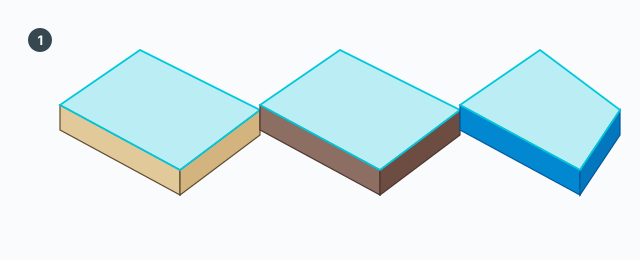
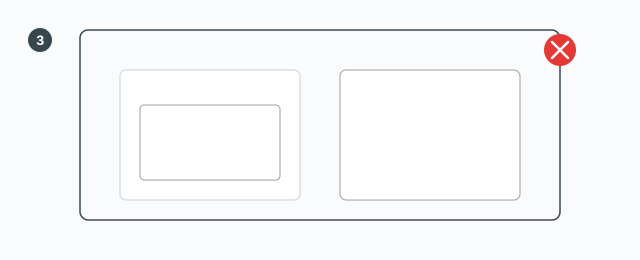
One undo step, named GG Cabinet Tools — Remove color. The status bar reads: removed material from N object(s). N is the number of top-level selected objects, not the number of faces cleared. On failure a message reads «Remove material failed» plus the error.
No keys inside the command
There is no VCB and no Tab, Ctrl, Shift, or Esc of its own. Undo with SketchUp's Ctrl+Z.
Common mistakes
- The button only shows a select-something message: the selection is empty.
- Expecting a white material: the material is removed. SketchUp shows an unpainted face. No material named white is created.
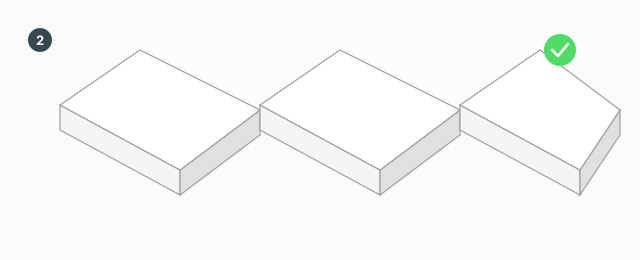
- Another component copy lost its color too: they share a definition. Make the instance unique before removing color if the other copy should keep it.